A patient opens ChatGPT and asks for the best dentist near them. What they get are three names and a sentence about each.
That list didn't come out of thin air. AI assistants build local answers out of sources, and for local businesses those sources are directories and review sites. Yelp is one of the largest and actually feed more sources than Google does.
Bing does not run its own review system. It pulls reviews from third party sites, and Yelp is one of them. Bing's index is what Copilot and ChatGPT read when they go looking something up. Apple Maps has leaned on Yelp for ratings for years and is only now rolling out its own thumbs up and thumbs down.
So a thin Yelp page is not really a Yelp problem anymore. It is the version of your practice being handed to people who are looking for a great practice using AI.
Now here's the catch. Yelp is the one platform where asking your patients for a review is against the rules.
Yelp plays by the opposite rules
Google wants you to ask for reviews, but Yelp forbids it:
"It's against Yelp's policy for businesses to ask for reviews or offer incentives in exchange for reviews."
Yelp runs recommendation software that decides which reviews show on your page and which get pushed behind a "not recommended" link at the bottom. Almost nobody clicks it, and reviews down there do not count toward your star rating.
You probably have a good amount of reviews sitting in your "not recommended" part of your page now.
The software is looking for the fingerprints of a solicited review:
- A brand new account with exactly one review on it.
- Four short five star reviews that all landed on the same Tuesday afternoon.
- A reviewer with no photo, no friends and no history anywhere else on the platform.
Which is precisely what you get when your front desk emails fifty patients asking for a Yelp review.
Everything that works on Google works against you here.
Most practices never work that out. They ask, the reviews arrive, the reviews get filtered, and they decide Yelp is rigged and stop paying attention to it.
Meanwhile the page keeps feeding Bing, Apple and every assistant that reads them.
This is a strategy to figure out.
This is a per office problem, not a brand problem
Every location should have its own Yelp page.
This means it'll have its own review count and its own filter history. None of that carries from one to the other.
Your flagship has been open eleven years and has the reviews to show for it. The office you opened last year is starting from zero on a page most of your team has never looked at.
What Yelp actually allows you to do
Yelp publishes its own guidance on getting reviews without asking. Their list is short:
- Deliver a good experience
- Respond to the reviews you already have
- Use the free features on your business page
- Give customers something worth photographing
- Put Yelp on your storefront and your marketing materials
Yelp explicitly recommends making your Yelp presence visible in your office. Is it a requirement? No, but it depends on how serious you want to be about earning these reviews.
The check in
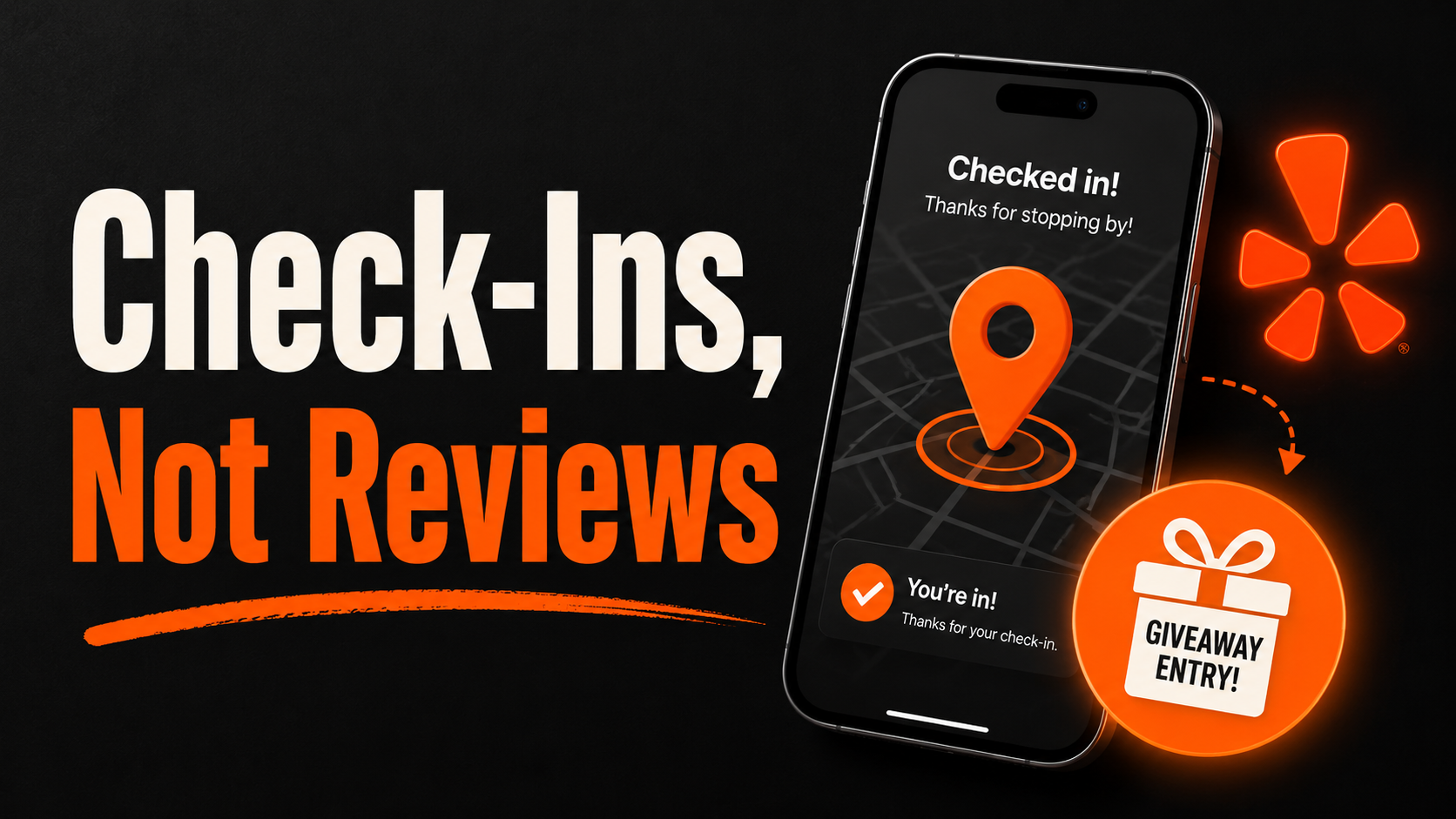
Yelp check ins still exist and are a key part of getting more reviews. A patient sitting in your waiting room can open the app and check in at your office in about four seconds.
Two things happen when they do.
The app now knows they were there, and it will later resurfaces places you have checked into but not reviewed, meaning your office.
If a review comes later, it comes on the patient's own time, on their own initiative, from an account with real activity attached to it. That is the profile the filter trusts and doesn't exclude.
Yelp does not publish this as a guaranteed prompt, so do not promise your team it works every time. What it does reliably is put your office in front of an active Yelp user while they are still sitting in your chair, which is the only part you control.
Build your own check in offer
Yelp used to sell a Check In Offer product. They ended that program along with Yelp Deals and Gift Certificates, so there is nothing to configure on their end anymore.
Run it yourself instead. It is simpler, it costs you nothing in platform fees, and you decide what the offer is.
Keep it nominal and keep it non clinical. A good travel kit. A brush head. An upgrade at the kids' prize box. Something from the coffee bar. The offer should be something the front desk can hand over in three seconds without checking anything except for verifying the check-in.
Do not discount treatment for it. Discounts, waived fees and anything touching covered care stop being a marketing decision and become a patient inducement question. That is a conversation with whoever handles your compliance, not with your marketing company.
Setting it up takes an afternoon:
- Pick the item and stock it within arm's reach of the checkout desk
- Put a small Yelp window cling on the door and / or a card at the desk
- Give the team the line (see below)
- Count how many you hand out each week
That last step is the only number you can honestly track, because you cannot control who reviews you. Offers handed out is a team behavior. Reviews are a result. Manage the behavior and the reviews should follow.
The line your team says, and the one they never say
The ask goes at checkout, when the phone is already in their hand.
"If you're on Yelp, check in while you're here and grab one of these."
That is the whole script. It takes four seconds and it never uses the word review.
Of course, feel free to come up with your own line or ideas as well.
The offer is for checking in. The moment a team member says "check in and leave us a review and you can grab one of these," two things happen at once: you are in violation of Yelp's policy, and the review that results is exactly the kind the filter throws out. You took the risk and got nothing for it.
Train it once, out loud, with the actual words. A team that half remembers the rule will improvise their way into breaking it.
What keeps a review recommended
- Established accounts survive. A patient who has used Yelp for years will stick. A brand new account created in your waiting room very likely will not.
- A trickle beats a burst. Two or three a month looks like a business. Twelve in a week looks like a campaign that was incentivized.
- Never a shared device. No kiosk, no iPad at the desk, no "here, use my phone." Reviews from the same connection get grouped and filtered.
- Respond to everything, including the ones sitting in the not recommended section. You can still see them, and the people who wrote them can still see you.
What to expect
Getting these are much slower than Google.
Some of your reviews will still get filtered, and that's normal.
Yelp filters a share of reviews for every business on the platform, including the ones ranking above you.
What good looks like is a steady handful a month per office, from real accounts, on a page that stays active.
That is enough to move the needle, because to be honest, many practices in your market may not be taking Yelp too seriously either, or may have just given up on a Yelp strategy altogether.
Start by checking what each of your offices actually looks like on Yelp today. Then try and apply some of the principles here before ignoring it. It will make a different in how often you're recommended in AI searches this year.